Scan Options

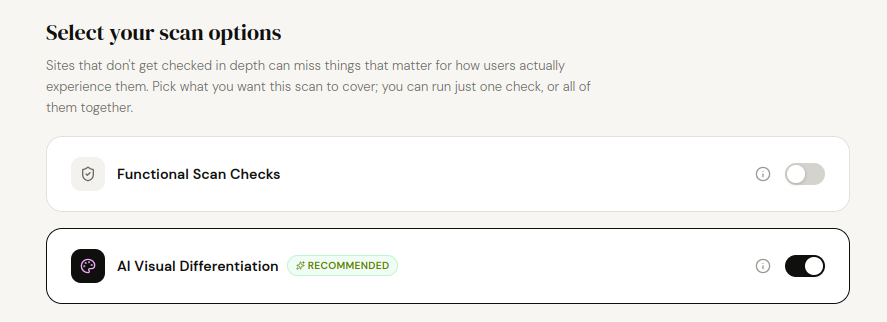
AI Visual Differentiation
30 design signals checked : about 20 to 40 seconds : always on Desktop Chrome
Professional-looking sites attract far more users than ones that look like an unedited AI template. This check takes a full-page screenshot of your homepage and reviews it against 30 specific tells of generic AI-generated design, then gives you concrete suggestions to look more like a distinctive product. It never affects your score (it's feedback, not a pass/fail check), it always runs on Desktop Chrome regardless of which other devices you've picked, and it's the only check that can run entirely on its own, with Functional Scan Checks turned off.
- Flashy purple/blue/pink gradients
- Uncustomised Lucide icons
- Pure, entirely white background
- Rainbow colours with no coherence
- Drop shadows applied everywhere
- Exactly 3 feature cards
- Emojis used as icons
- Liquid glass (frosted-glass) effect
- ChatGPT-style em dashes in the copy
- Default typography (Inter, Poppins, Manrope, DM Sans, Roboto)
- Coloured accent stripe on the left edge of cards
- Testimonials that look fake or generic
- Bento grids (mosaic of uneven boxes)
- A stylised terminal/code window illustration
- The "It's not X, it's Y" copywriting pattern
- Checkmark bullet lists
- Exactly 3 pricing tiers
- No real product demo, just marketing copy
- Everything rounded to excess
- The "default" purple/indigo of AI templates
- Loading states that show an empty space
- Glowing, blurred decorative orbs in the background
- Dot-grid background patterns
- Decorative sparkle icons
- Animated arrows on hover or scroll
- No link to Terms of Service
- No link to a Privacy Policy
- Overused hover effects on almost every element
- Saturated neon colours
- A faded, characterless pastel palette
Documentation last updated: 2026-09-04