Reports

Reading your report
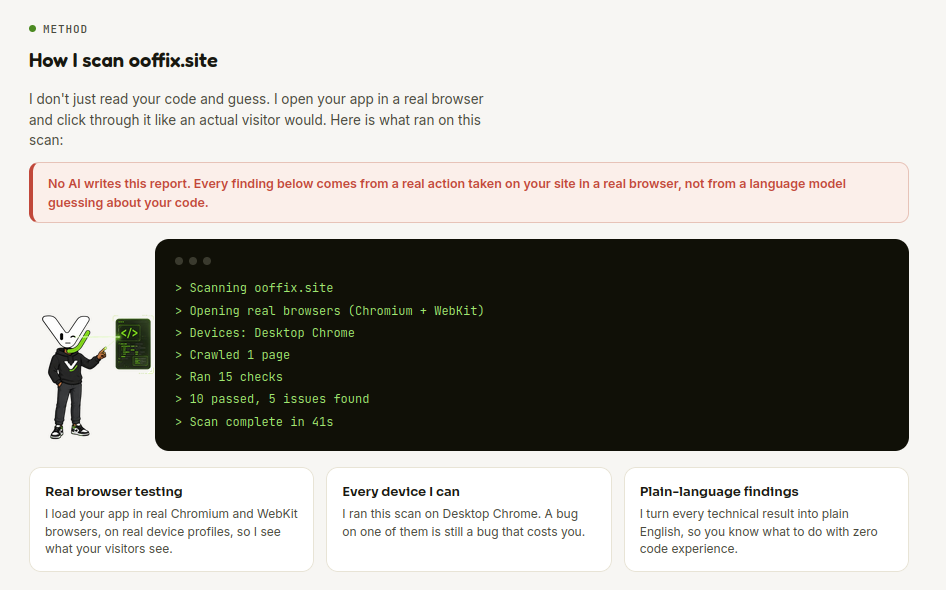
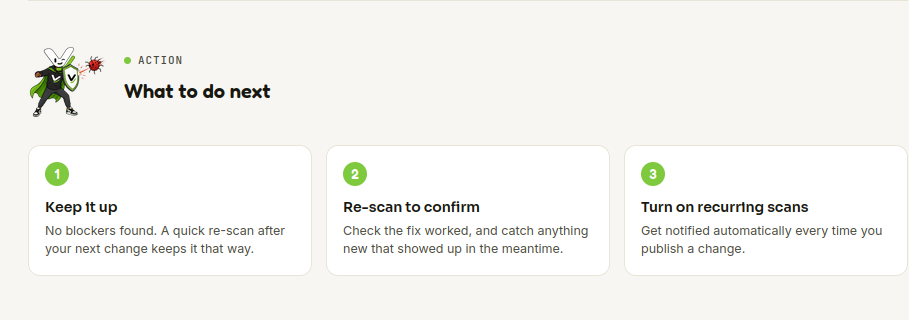
Your report opens with a score out of 100 and a plain-language summary. A Method section ("How I scan yourapp.com") shows exactly what ran: which browsers, how many pages crawled, how many checks, and a reminder that no AI writes the report itself, every finding comes from a real action taken in a real browser. Findings are grouped by severity (critical, major, minor) and tagged by category (Security, SEO, Forms & flows, Performance, Reliability, Visual & layout, Accessibility). A What's working well section lists what was checked and came back clean, not just what's broken. If a scan couldn't fully verify something (a device that timed out, a login that wasn't confirmed), the report says so explicitly with a banner rather than staying silent about it. A What to do next section closes the report with concrete steps: keep it up, re-scan to confirm a fix, or turn on recurring scans. You can also Share a report (X, LinkedIn, or copy a link) or export it as a PDF.
Documentation last updated: 2026-09-04