Getting Started

Launching a scan
Starting a scan is a short, guided flow from the New scan page.
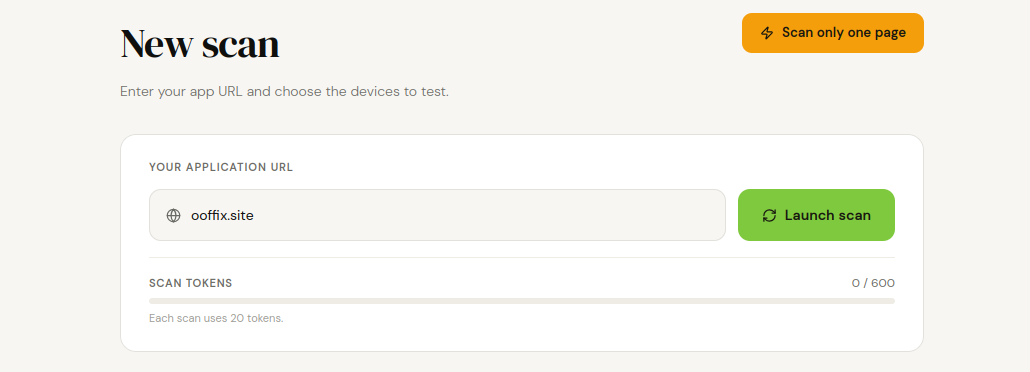
- 1. Open New scan from the sidebar.
- 2. Paste your app's URL in Your application URL.
- 3. Click Launch scan (this scrolls you down to Select your scan options, it doesn't launch anything yet).
- 4. Turn on the checks you want for this scan (see the Scan Options section below).
- 5. If Functional Scan Checks is on, pick the devices to test on.
- 6. Click Confirm and start scan.
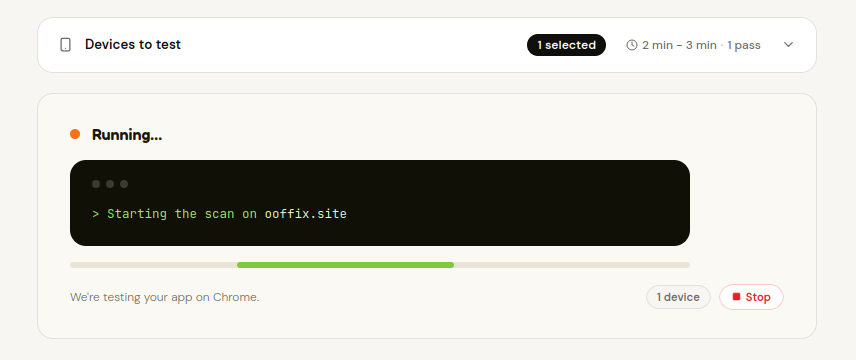
- 7. You'll see a live activity view while it runs, and get an email as soon as the report is ready, so you don't have to keep the tab open.
Documentation last updated: 2026-09-04